
SETTING UP YOUR WORKSPACE
GETTING STARTED WITH MICROSOFT M365 COPILOT
INTRODUCING Microsoft M365 Copilot
Elevate Your Team’s Performance with Microsoft M365 Copilot
Your Microsoft M365 Copilot subscription includes:
Use AI-powered chat connected to your work and web data and access Copilot in Microsoft 365 apps
Get AI-powered search across all work data, including LOB applications and services using 100+ connectors
Create AI-generated images, posters, banners, and videos aligned to your organisation’s brand identity
Centralise project-related content of various types for targeted AI assistance in Copilot Notebooks
Comprehensive access to agents, including advanced reasoning and custom agents grounded in your work data4
Leverage SharePoint Advanced Management and Copilot Analytics to measure usage, adoption, and ROI
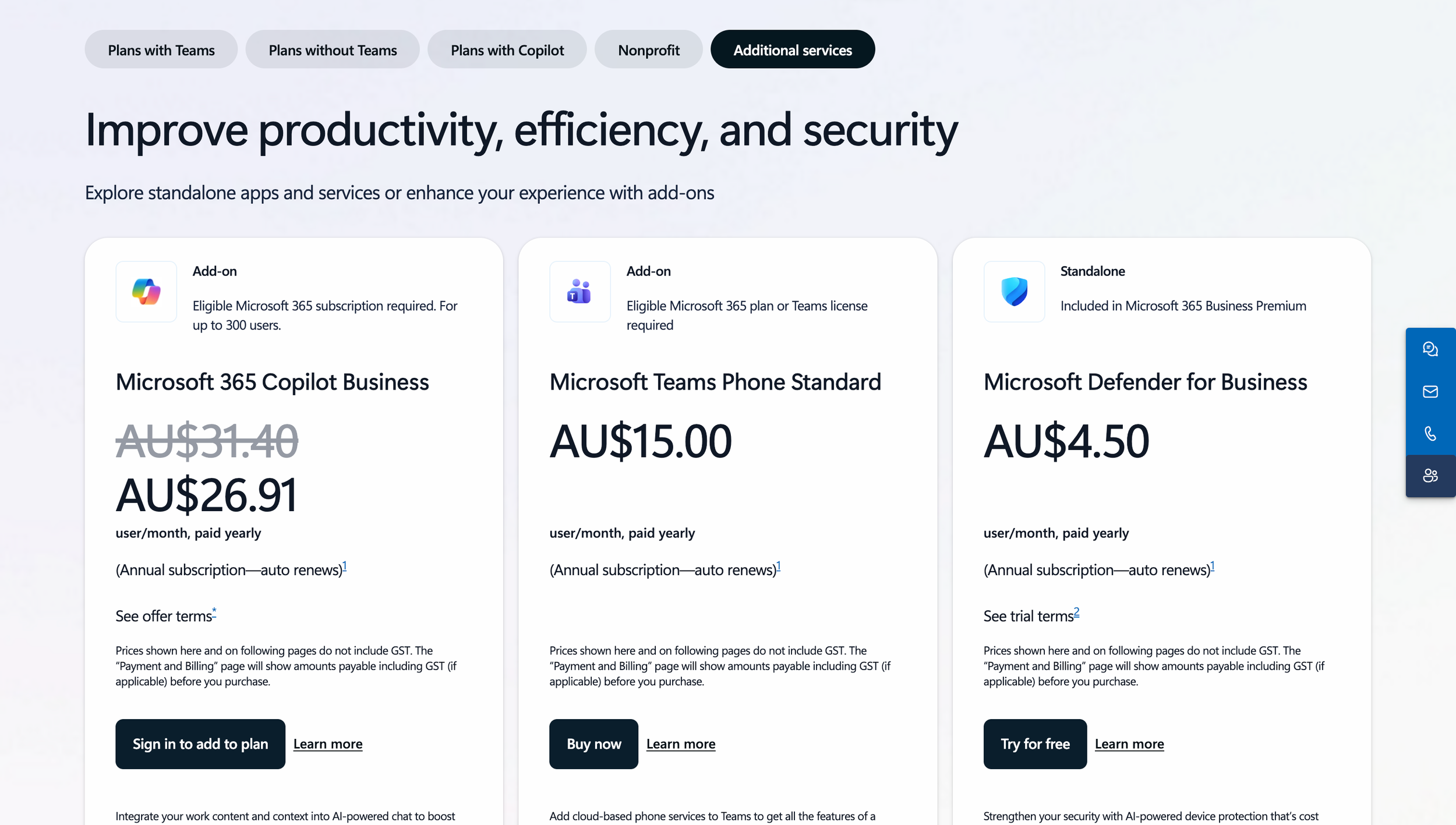
AU$28.26 per user / month billed monthly
paid monthly (Annual commitment)
IMPORTANT: A separate license for a qualifying Microsoft 365 plan is required
to purchase Microsoft 365 Copilot. For up to 300 users.
ARE YOU READY TO GET STARTED?
FOLLOW THE STEP-BY-STEP INSTRUCTIONS BELOW
Set Up your Microsoft M365 Copilot
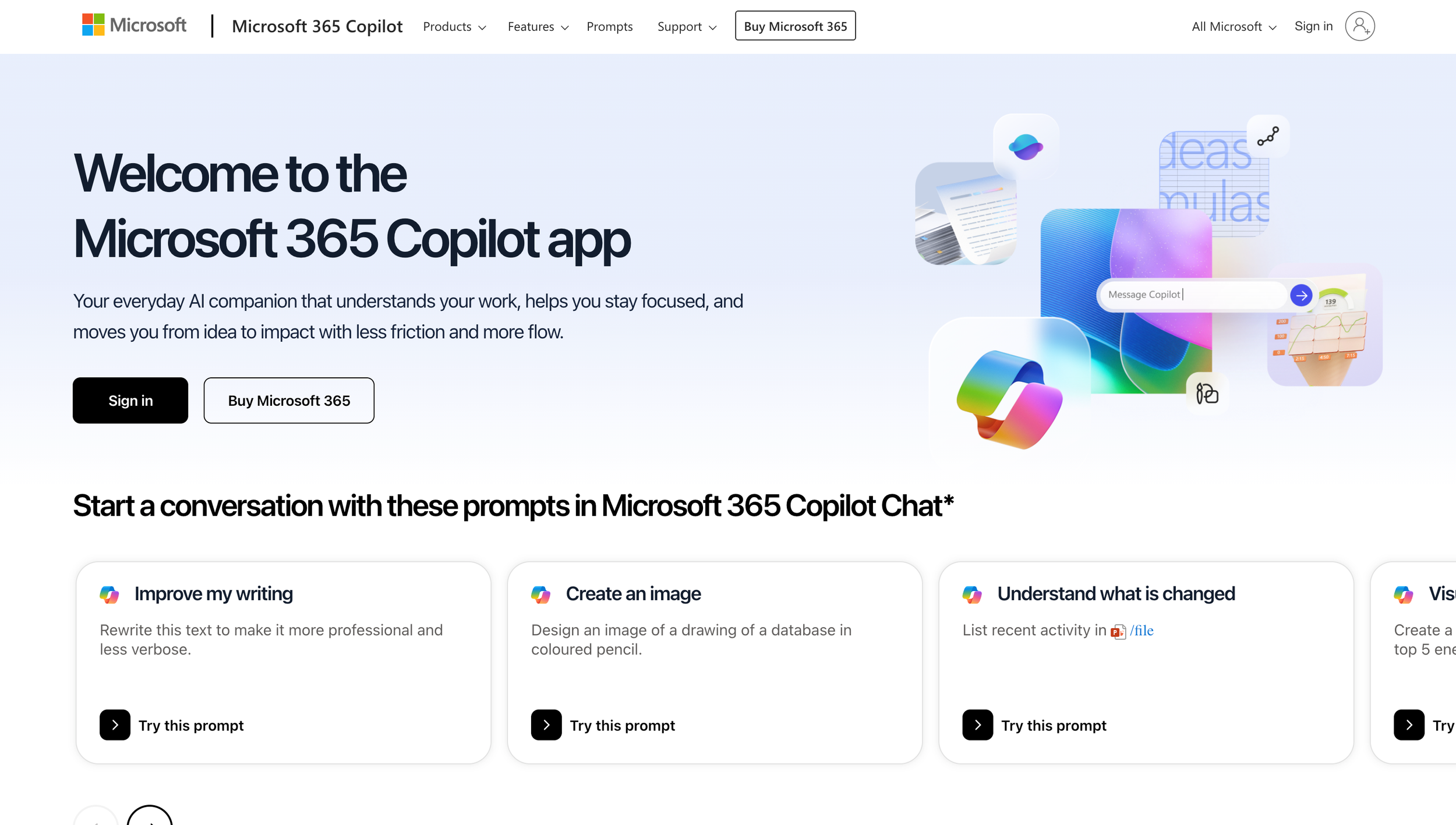
Go to M365.cloud.microsoft and sign in with your work email
if your work email is a personal account…
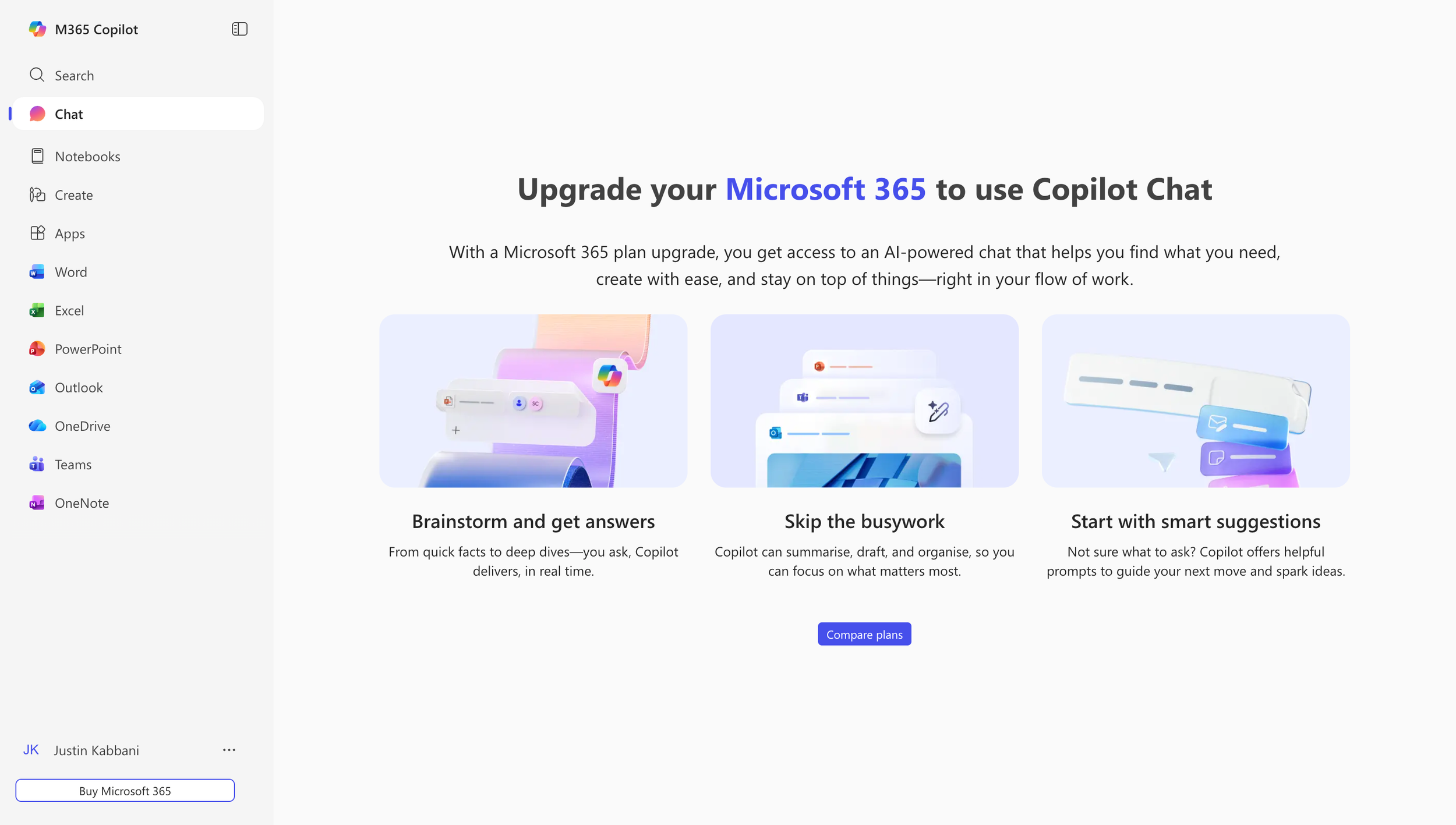
Click on Chat in the sidebar.
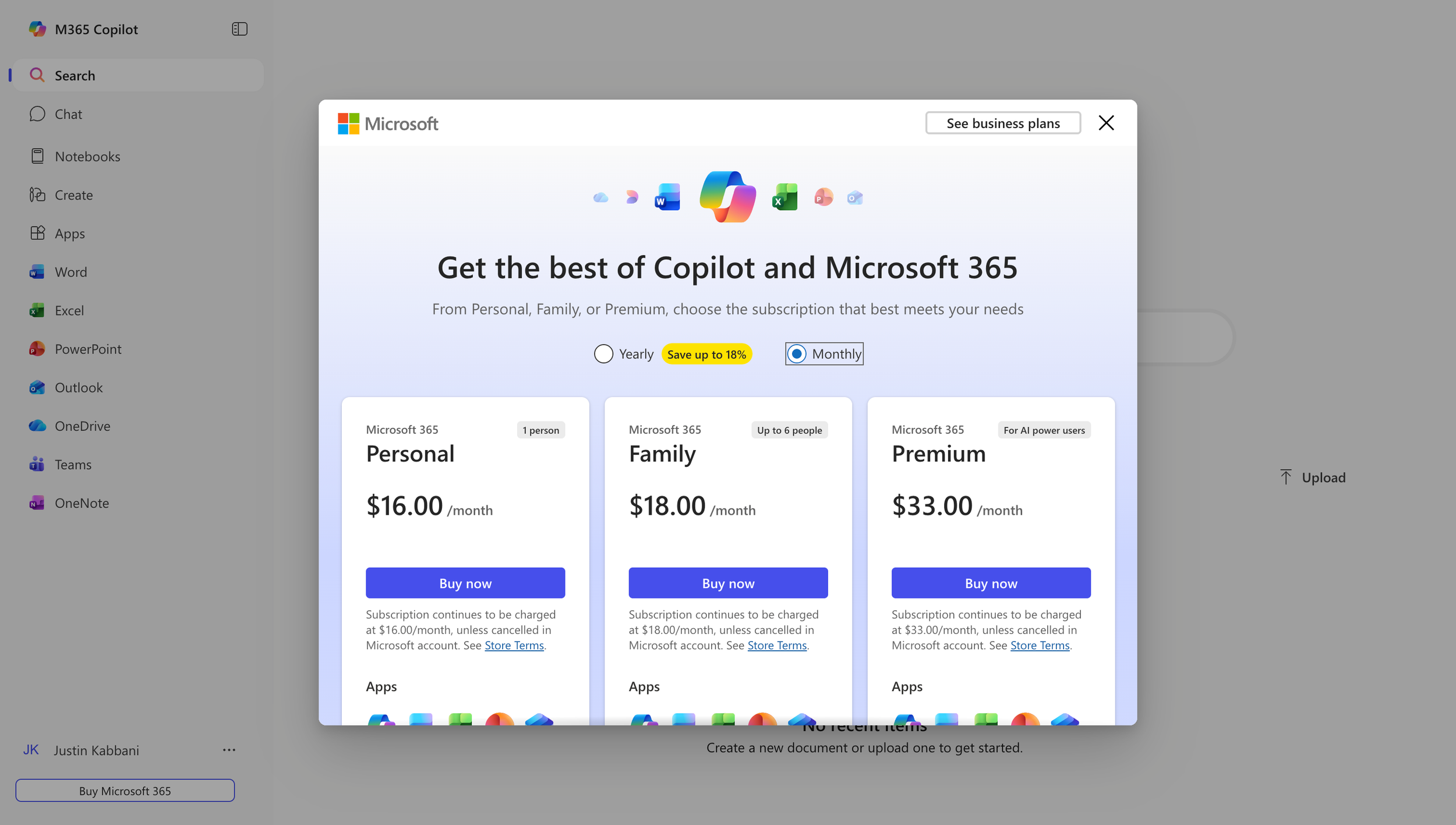
If you have a “Free” account you will need to upgrade.
The “Personal” and “Family” levels have limited Copilot access.
You will need to upgrade to the “Premium” level in order to access the full Copilot experience.
if your work email is a Business account…
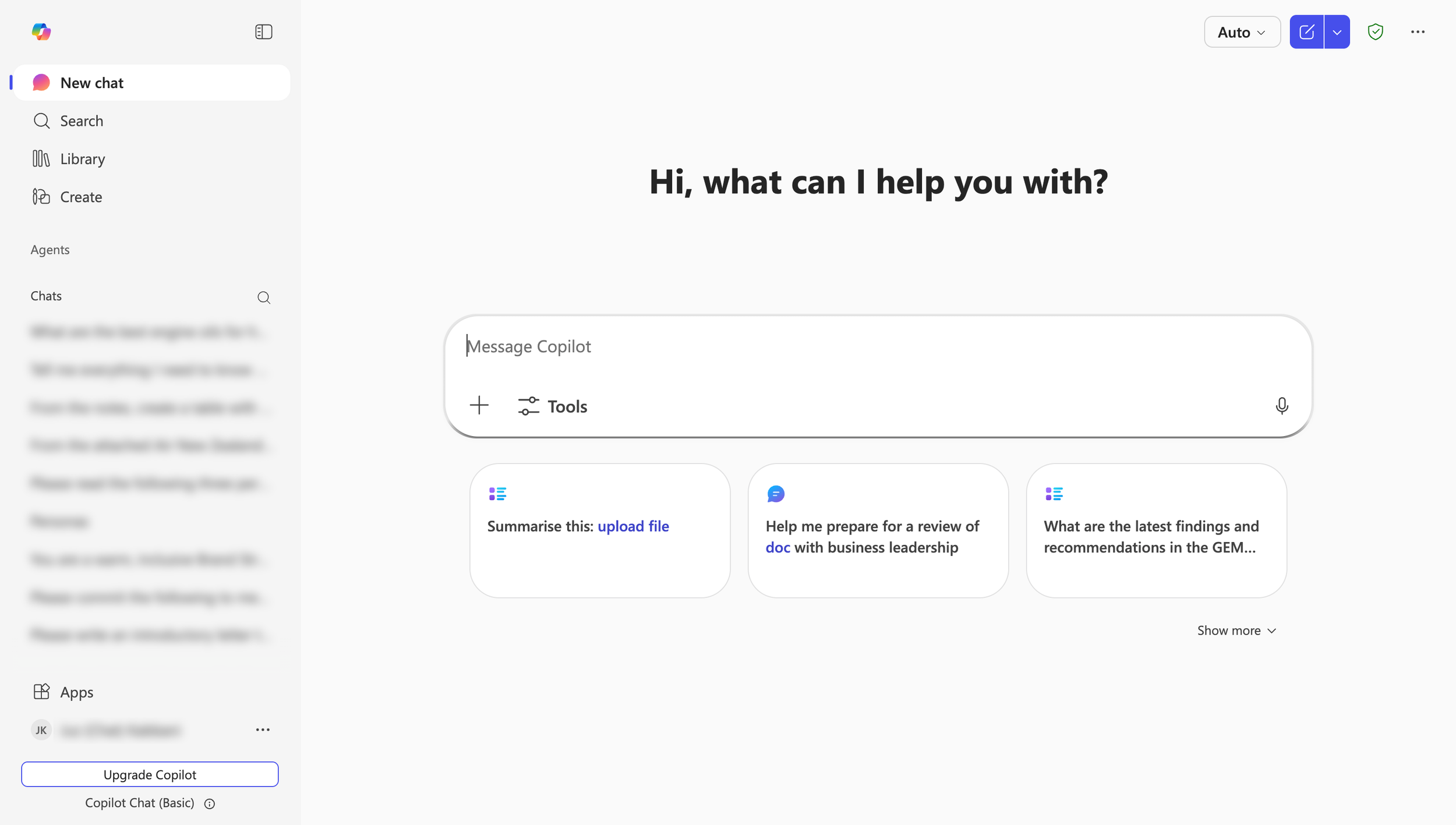
All Business accounts include Copilot Chat, a limited Copilot experience.
If you upgrade to “Microsoft M365 Copilot Business” you will get the full Copilot experience, including being able to access your email, calendar and files.
PLEASE NOTE: If your Microsoft accounts are managed by an IT provider, you may need to ask them to Upgrade your account for you. Ask for “Microsoft M365 Copilot Business”.
“I focus on a balanced approach where AI enhances, not replaces, human input, fostering a culture of trust and collaboration.”
—Justin Kabbani
